Over the weekend I completed a circuit that is integrated into my home assistant. I've been closely monitoring the PM2.5, since those are particularly hazerdous particles for long term health. For those who are interested there is quite a bit of material on the subject, but keep in mind many of these sites or articles talk about 24 hour average, so I might be concerned with the high levels I saw once averaged out may not be that bad. Despite knowing that I still like to keep these down to a minimum.
https://www.ncbi.nlm.nih.gov/pmc/articles/PMC4372644/
..so long as a person breathes in an average of 12 micrograms per cubic meter of air (μg/m3) or less per day over the duration of a year. In the short term, the US considers it safe if PM2.5 levels don’t go over 35 μg/m3 within a day, so long as the yearly average comes out to 12 μg/m3 per day (in other words, a few days of higher PM2.5 here and there is acceptable, so long as there are only a few). https://qz.com/1166010/air-pollution-even-at-levels-that-meet-national-standards-causes-premature-death
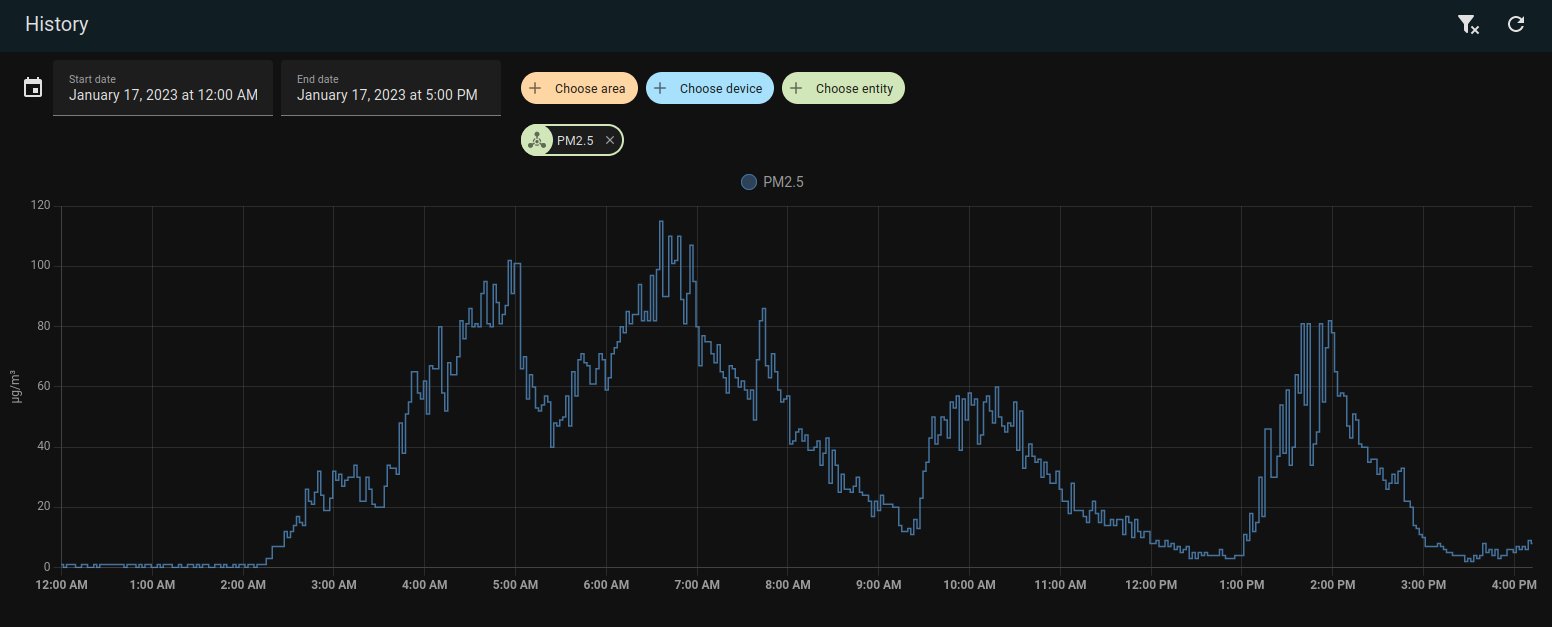
This morning I discovered some strange increases in the PM2.5 particles at 2am. Clearly, I was not awake at this time. Before I noticed how early this even happened I was thinking it was my cooking, but I only used the gas stove around 7am, which isn't even noticable. Look at how the particles seem to be clearing out and not increasing. My first hypothesis was the gas stove created these particles. Seeing the 2am spike clearly countered that. By around 9 and 10am I was looking at the data I had available and was thinking it was simply some kind of environmental issue. (I also didn't understand what 60 ug/m^3 was like, but at that level you can smell something depending on what it is of course) This idea that it was outside didn't make much sense either...

Around the 10am time we see another large quantity of these PM2.5 particles. This is when I realized something else I was doing today... I was struggling with my Harvest right freeze dryer. It probably ran the vaccum pump at 2AM. It would hit the dreaded "incomplete vaccum" message and stop the pump. Since I didn't have any vents or air purifier those particles would only be removed when the heating fan kicked on. The only time I've seen this error is with the new firmware and I was thinking it meant I had too much food in the machine or the oil needed changing. Sometimes a longer freeze would get me past it, so I would cancel the process and start again to get another 2-3 hours of freezing time.
Around the 2:30pm time, I started the machine again, but I added a air purifier from Coway right next to the pump. It wasn't immediately noticable since the freeze dryer ran into the error message again. It's obviously that during this time the particles would be decreasing. While the pump wasn't running I discovered one more thing I can try to fix the freeze dryer before having to take out all of the food. This was to tighten a screw on the water drain valve. Apparently the handle for the valve can come loose and some online claimed tightening that can seal up leaks. By 3:30, after I made the valve fix, I forced the freeze dryer into the drying stage (which uses the pump that is kicking out lots of PM2.5 particles). As can be seen in the chart the number of particles is good (under 10 ug/m^3) with the air filter right next to it.

When events such as this happen I am very glad to have these sensors collecting data. As long as I make a note of what I did I can see how that looks on a chart. In this case, I have been using the freeze dryer in the same living environment for at least 2 years. I have spent hours breathing in these particles and never knew the levels they were at. From now on, I will always make sure when the freeze dryer is running to have an air filter running. In the ideal situation the machine should be running in a room where people aren't spending lots of time.


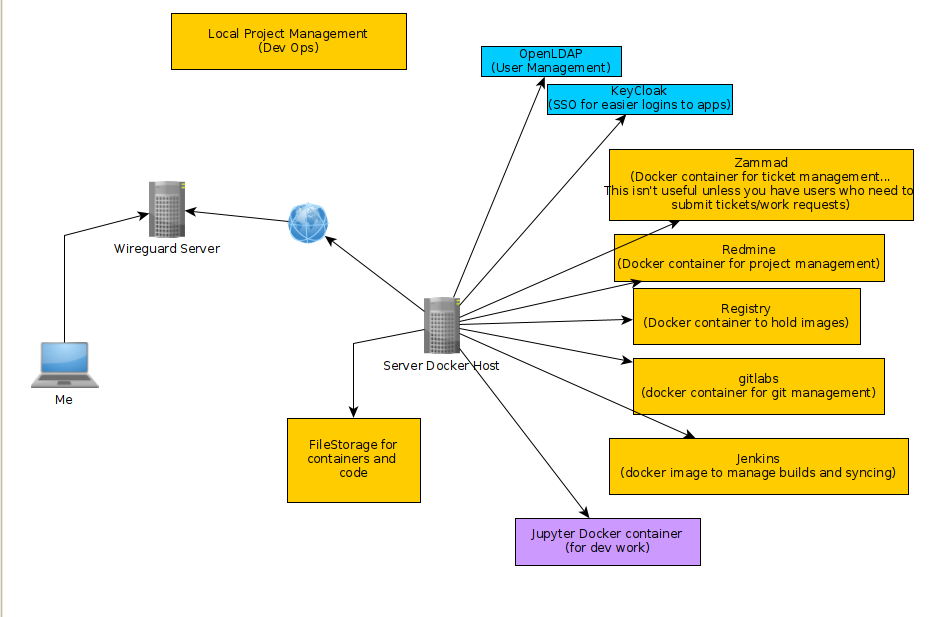
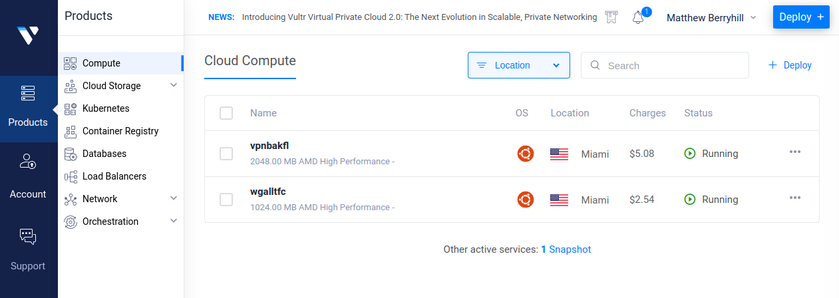
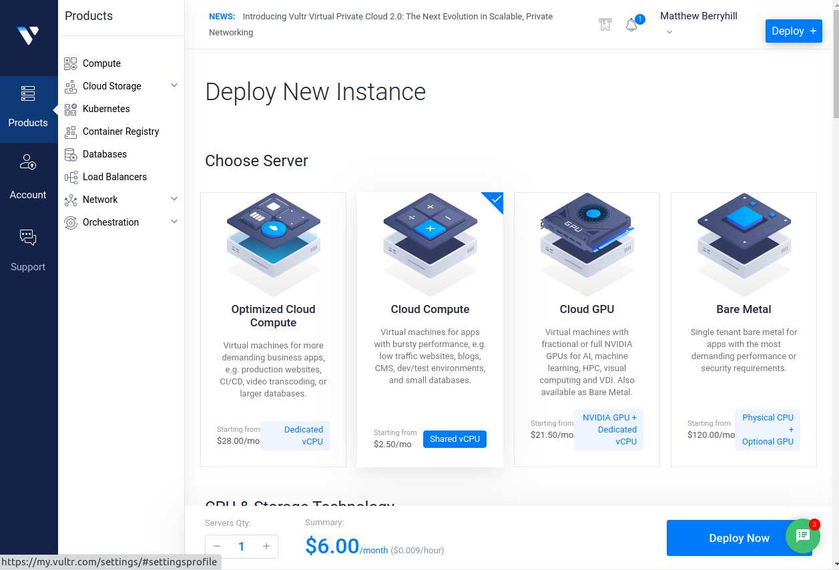
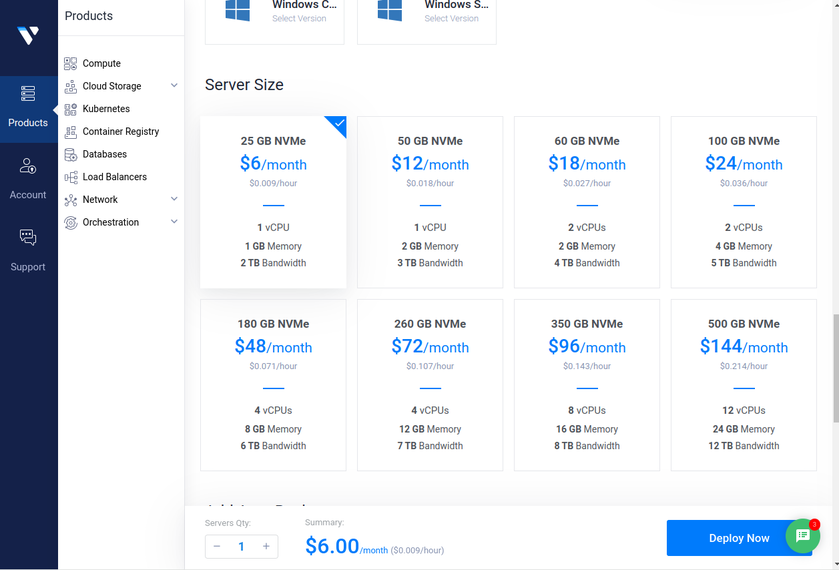
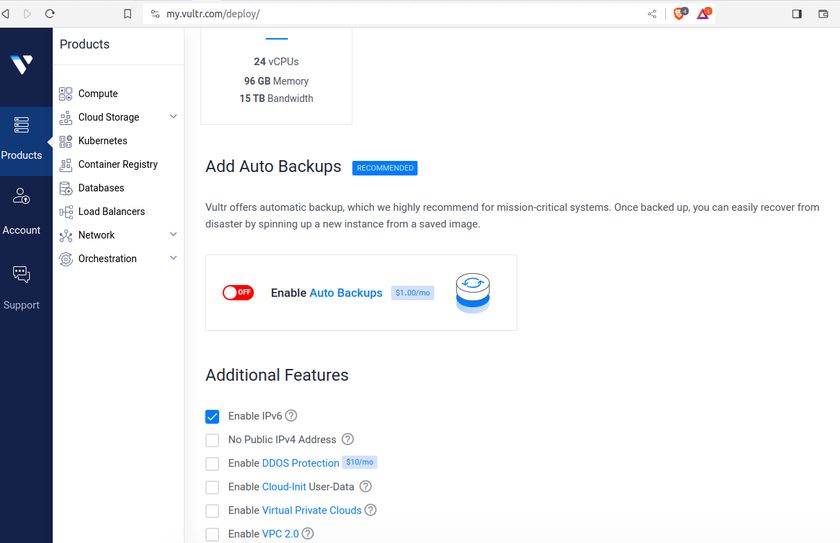
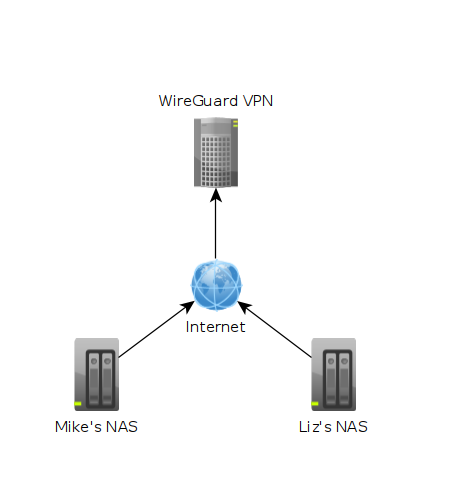 In the image above each machine is at a different location. One might be in Texas while another could be in Washington. The "Wireguard VPN" is the only one that we can directly talk to on the internet. In other words, it's the only one exposed publically. This machine is running on a cloud provider such as vultr.com or you can run it on amazon's cloud too. Vultr has machines with 1GB ram down to around $5, so I've been using them.
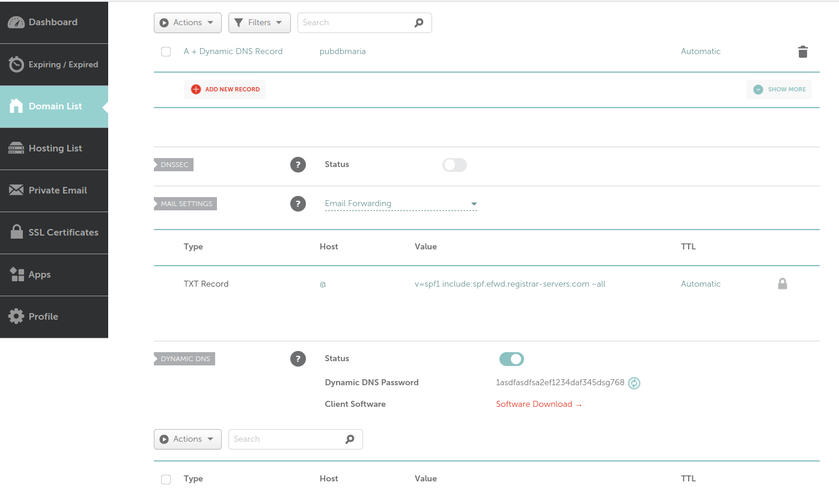
 What we can see in this image is that I own the xyz123.net on my account. That's the domain I own. I can add subdomains by clicking on "Manage" then click on "Advanced DNS". When the page loads click on "Add new Record" you want to make sure you pick "A+ Dunamic DNS Record" then for host you'd put the subdomain you want like "wireguard". When you try to access it, you would go to "wireguard.xyz123.net"... btw we aren't done on this page yet. We have to make sure we enable dynamic DNS clients...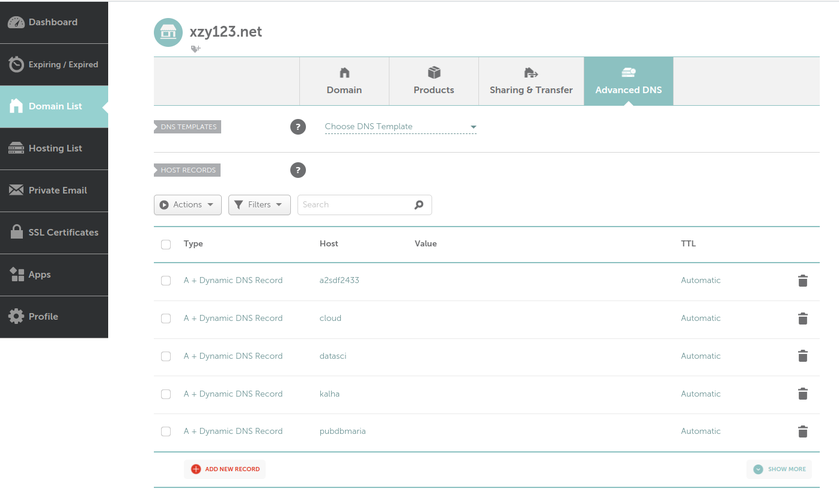
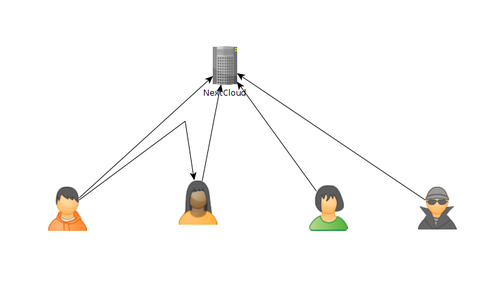 As of today, there are some issues with this syncing. First one is that if a user A shared their files with another user B, that user B will immediately start downloading the files whether they want them or not. There is a feature you can enable to prevent automatically downloading if the filesize is too large. This helps mitigate issues but not completely. If someone really wanted to mess with others they could create shares up to that limit and simply spam the targeted user forcing them to download a ton of files just under that limit... I think the fix to this is to default to always asking the user if they want to accept a share and what to do with it, or even simply accept it but don't auto download.